 omadrop
Music visuals for Omarchy v0.6.3
See the music.
Put on a song. Get lost in the visuals.
Actual playback from the Omadrop v0.5.0 launch film. Music credits.
Watch the launch filmThe collection
A different world with every scene.
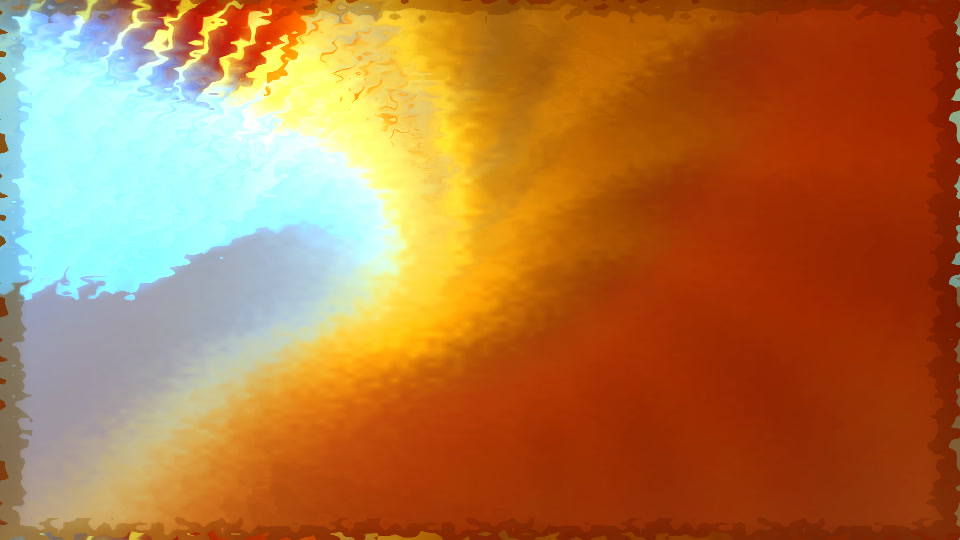
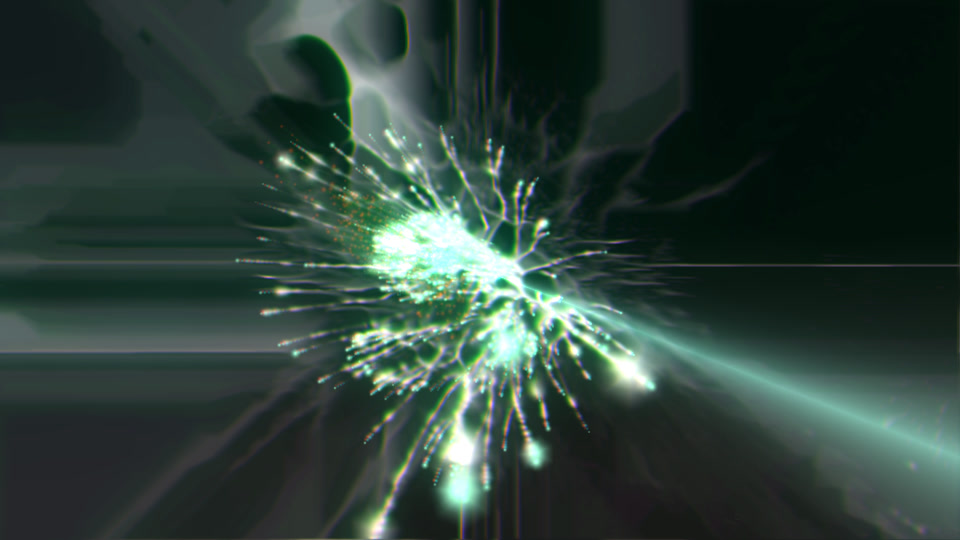
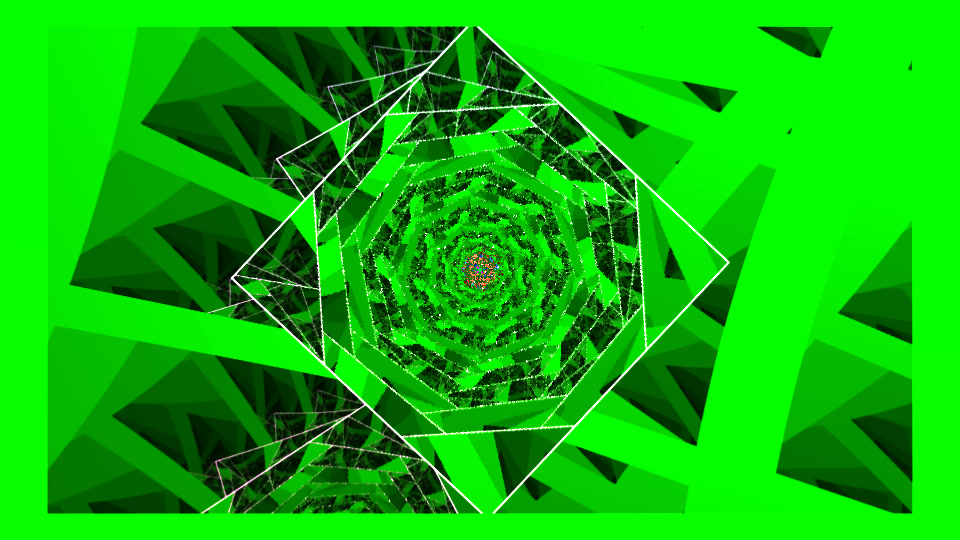
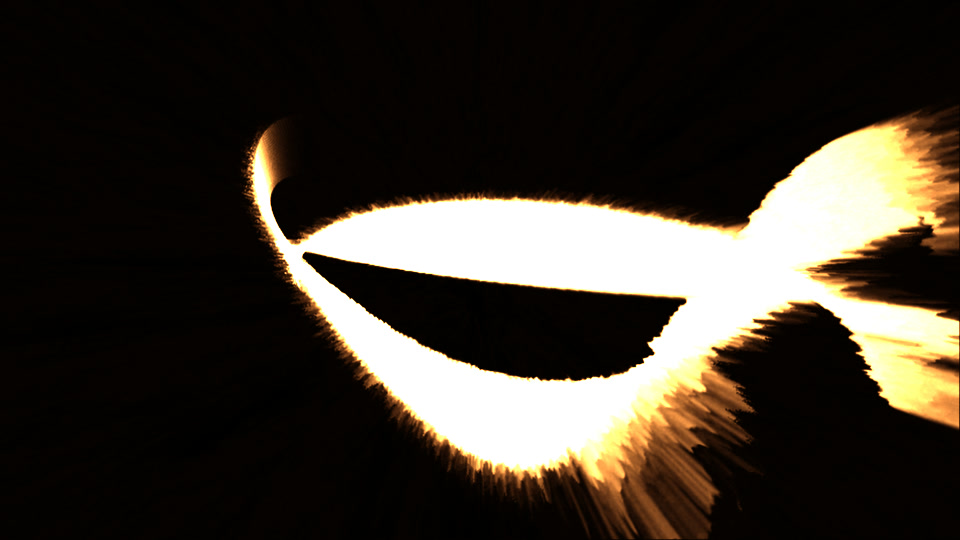
21 hand-picked MilkDrop presets. Original shaders, colors and textures, with added music response and blended transitions.
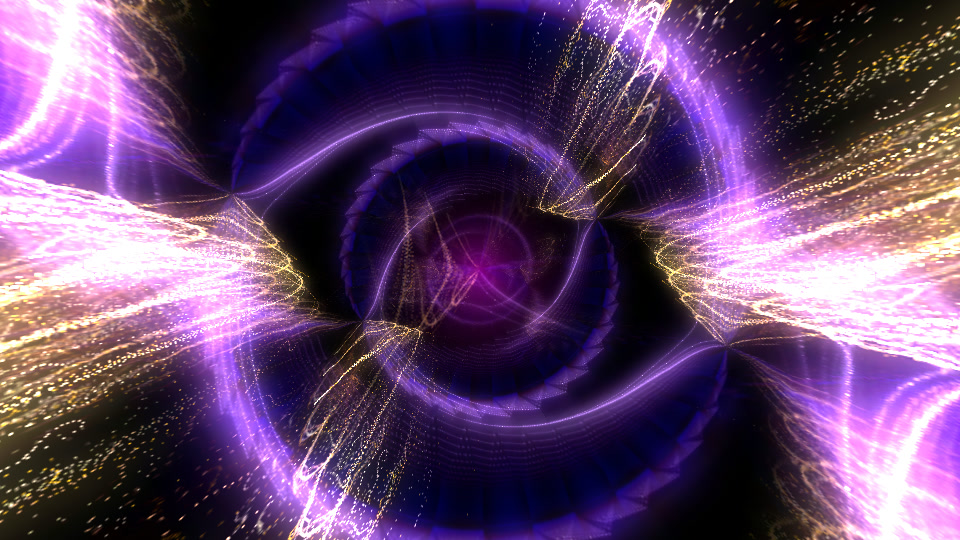
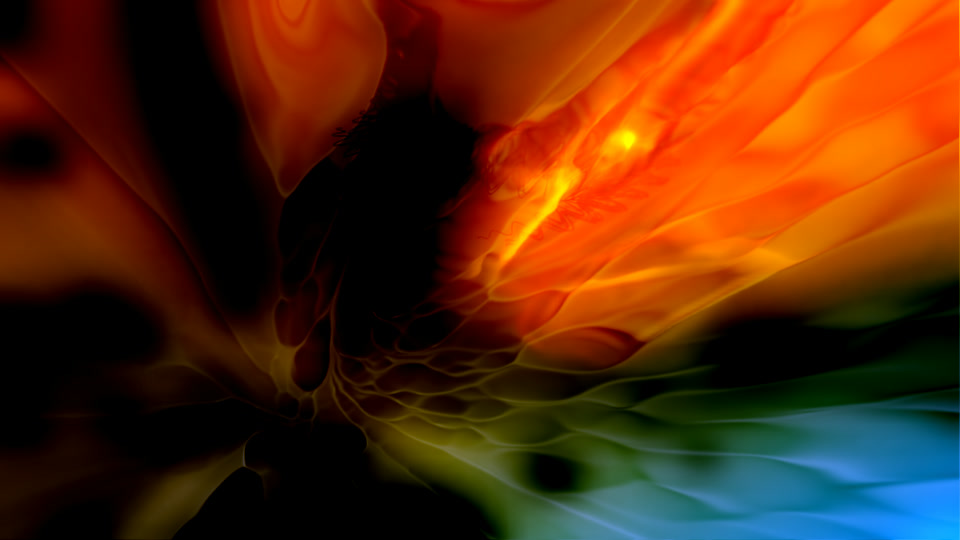

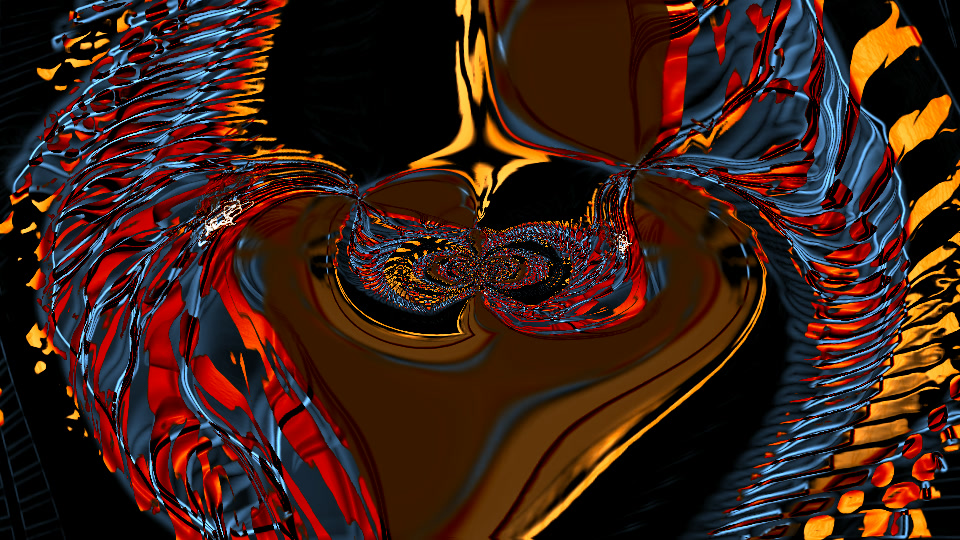
Explore the full collection 21 MilkDrop scenes
MilkDrop 21 scenes
Artist credits & licenses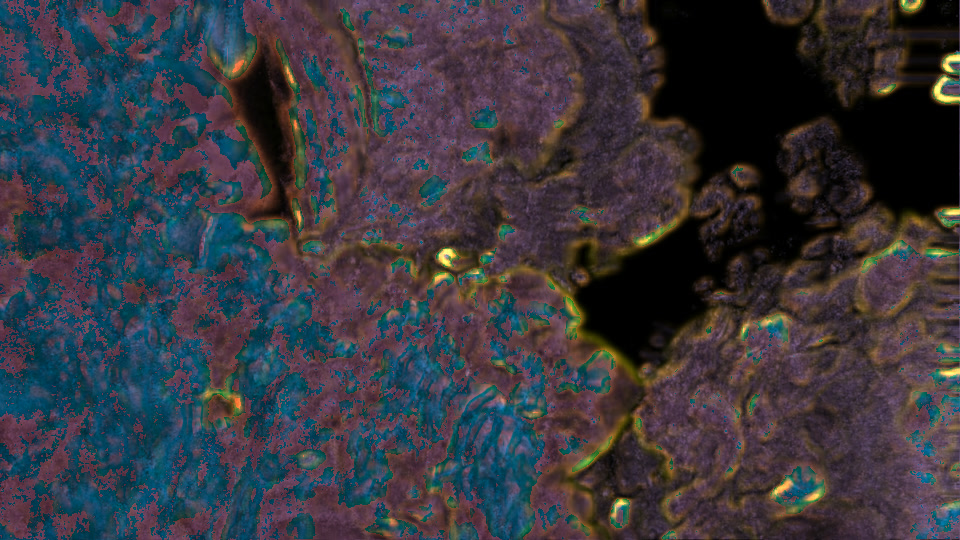
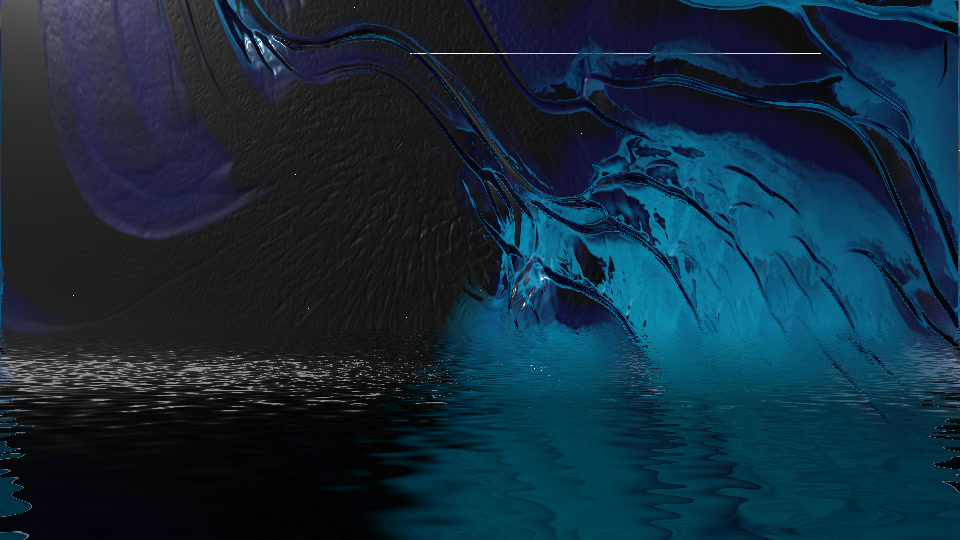
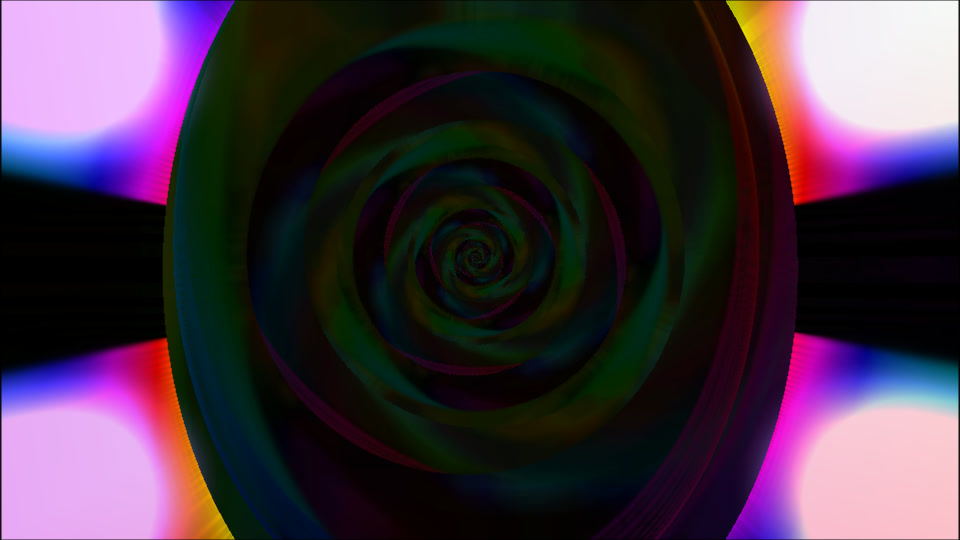
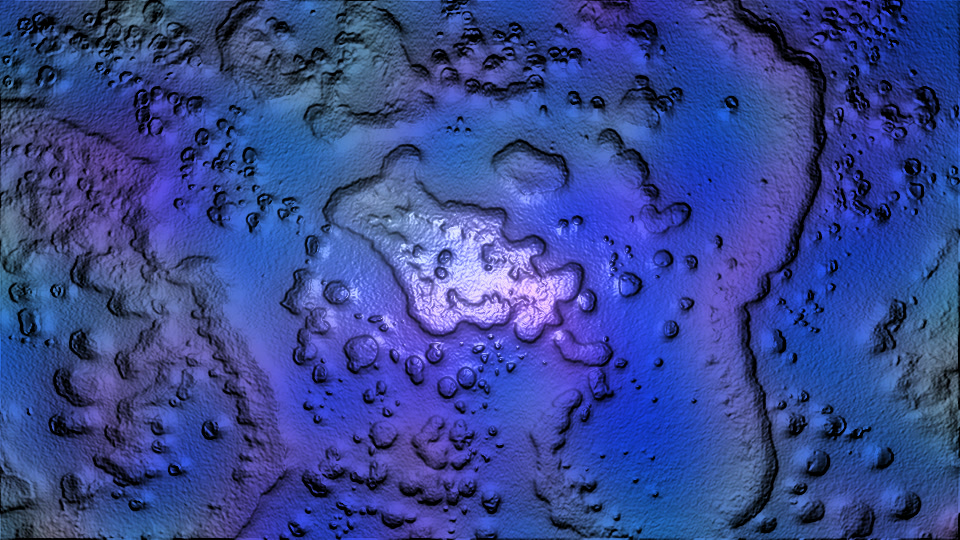
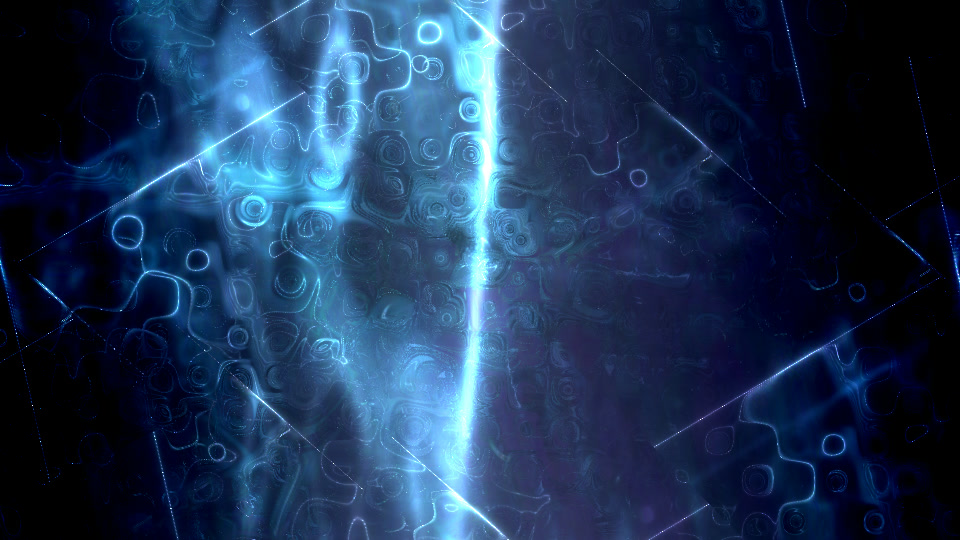
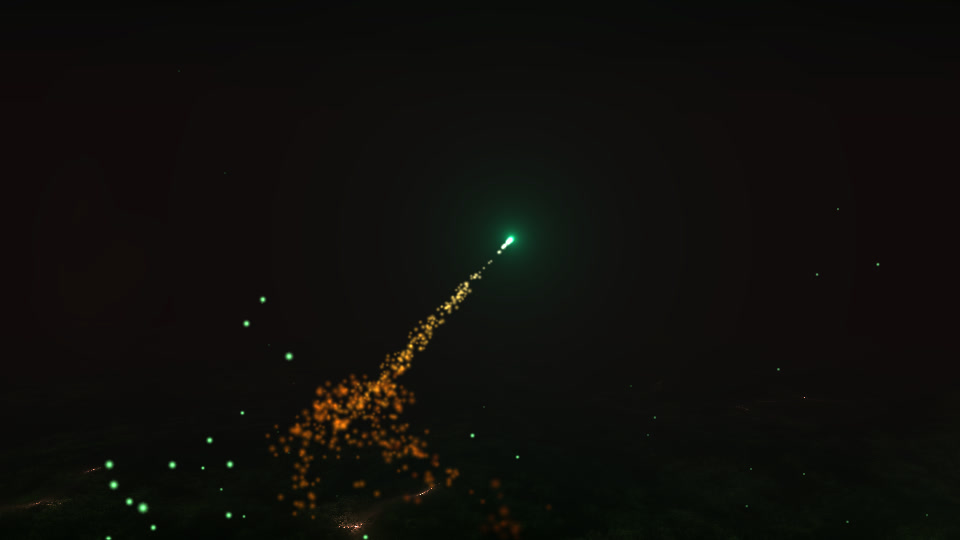
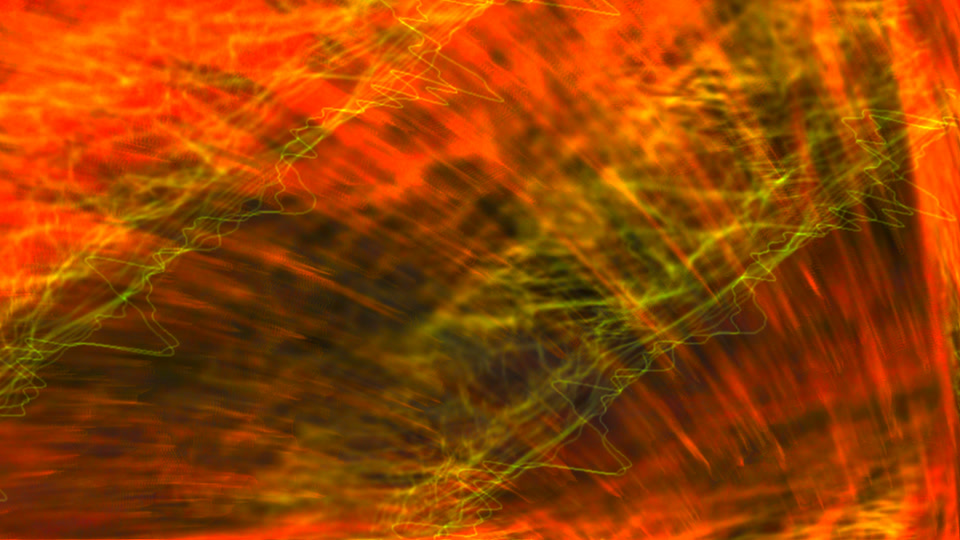
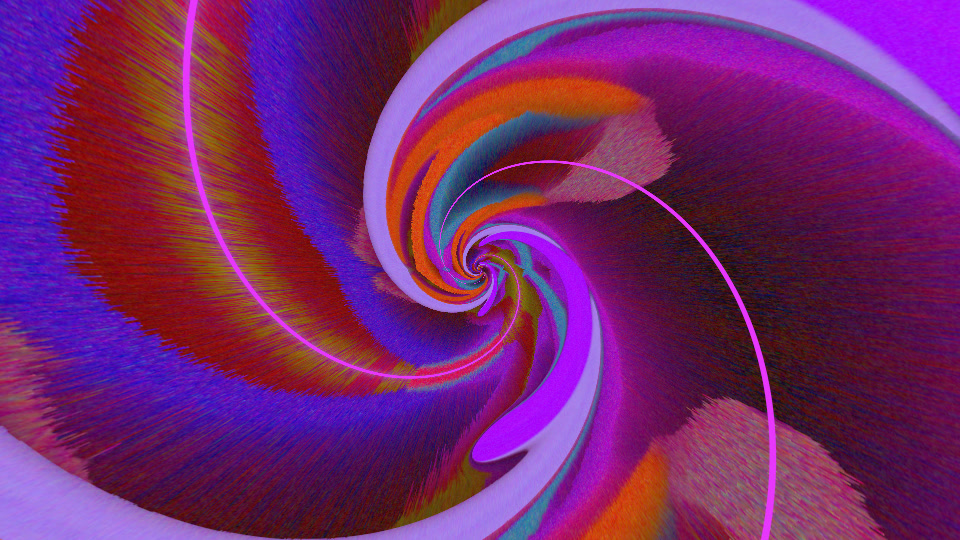
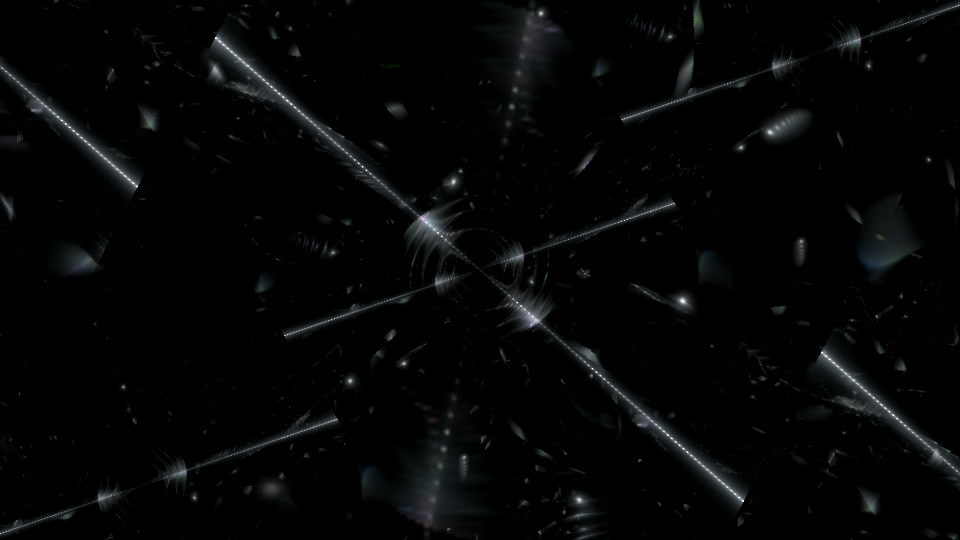
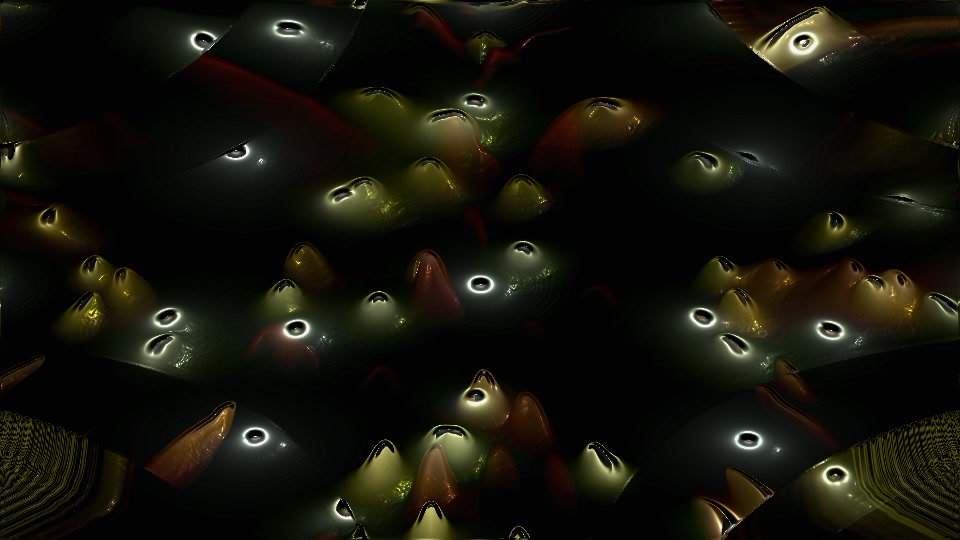
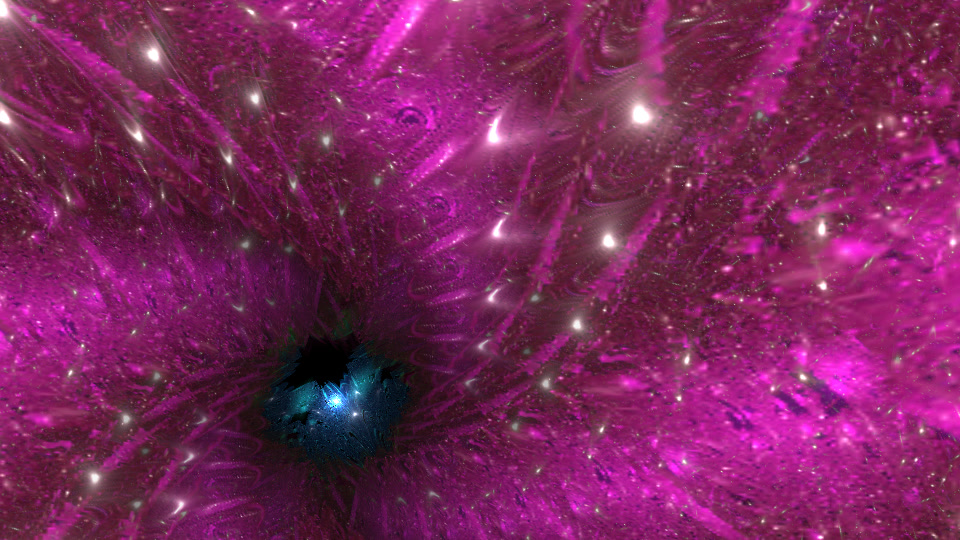
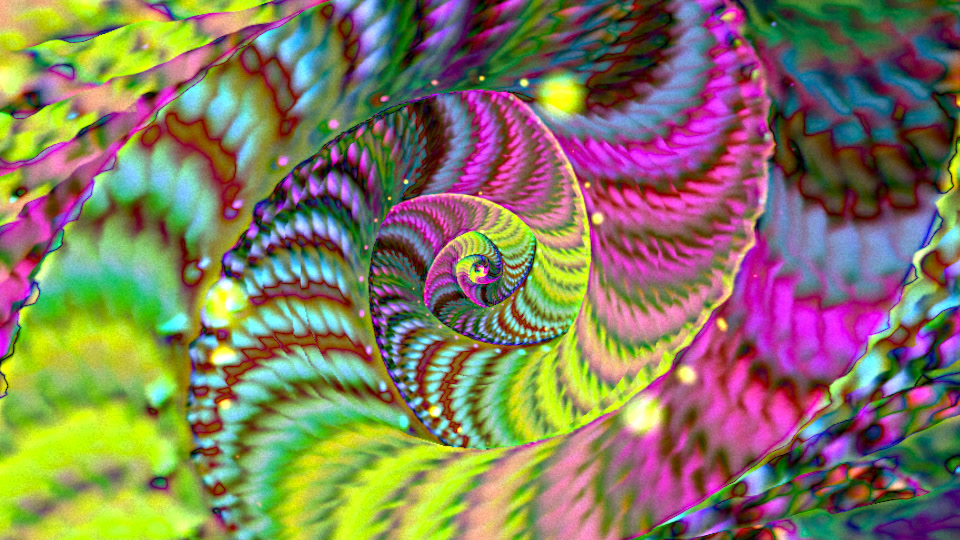
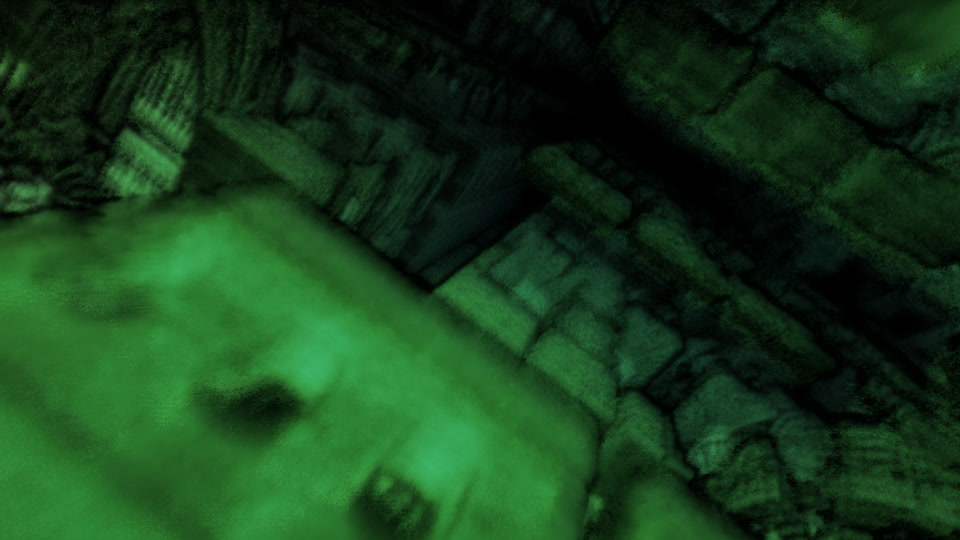
Your music. Your setup.
Pick a scene.
Press Play.
Native Qt controls that follow your Omarchy theme. Click a thumbnail to start there, or let the collection shuffle.
- Switch between MilkDrop and Osaka Jade, a living street that listens to your music.
- Try ASCII, hide scenes and choose your display.
- Adjust audio timing for Bluetooth and other outputs.
Esc returns to controls.
All controls & shortcuts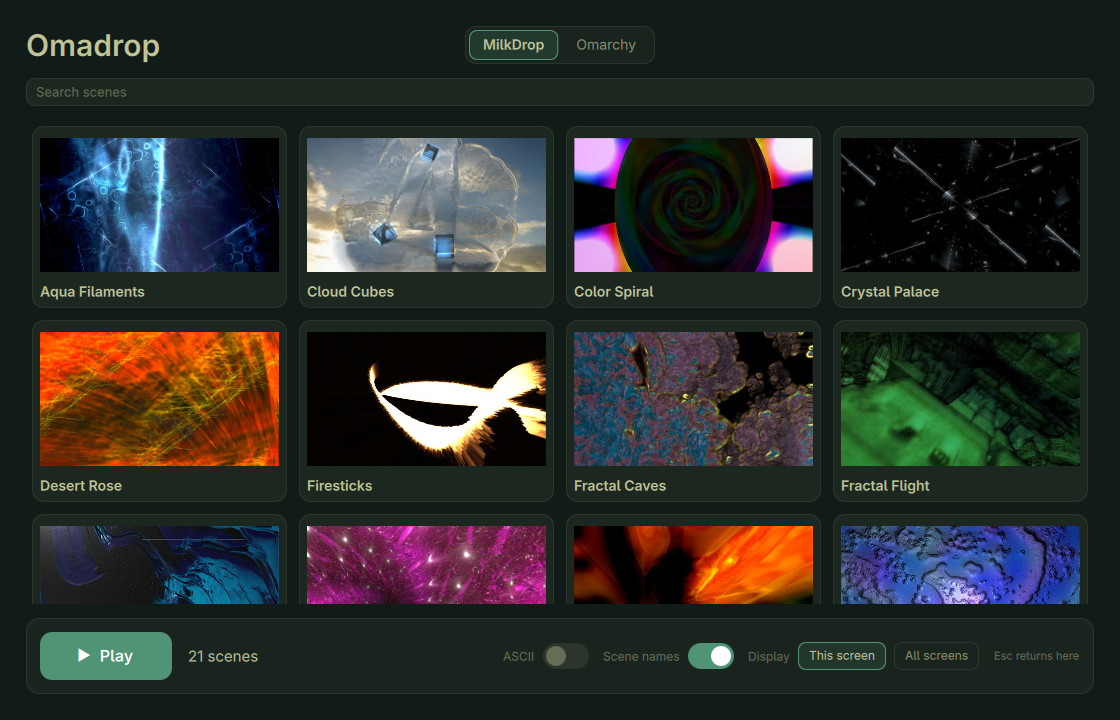
Ready when you are
Bring the music to your desktop.
For Omarchy on Arch Linux, x86_64.
Requires Hyprland, PipeWire and OpenGL 3.3.
curl -fsSL https://pkgs.btso.dev/install.sh | bash -s -- omadropOpen Omadrop from the app launcher, or run omadrop. Play music in any app, choose a scene and press Play.
This adds the signed package repository and installs the dependencies. Omadrop then updates with the rest of your system (omarchy update or sudo pacman -Syu). Already installed from a release download? Run this command once to start getting updates. Close Omadrop before updating.